General
Header Menu Options
Section titled “Header Menu Options”
- Left side Menu - Access the main navigation menu
- Construkted Reality Home Page - Link to the company website
- Search bar - Search across all content and assets
- New Project - Create a new project workspace
- Upload Asset - Upload 3D data files
- User Menu - Access your account options
User Account Options
Section titled “User Account Options”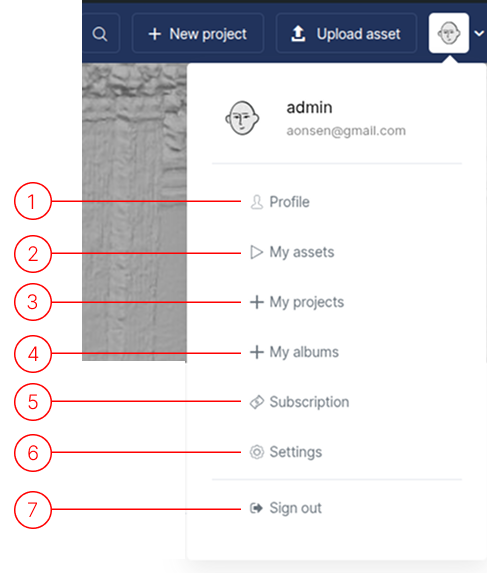
The user menu is always available in the top right corner of the interface.
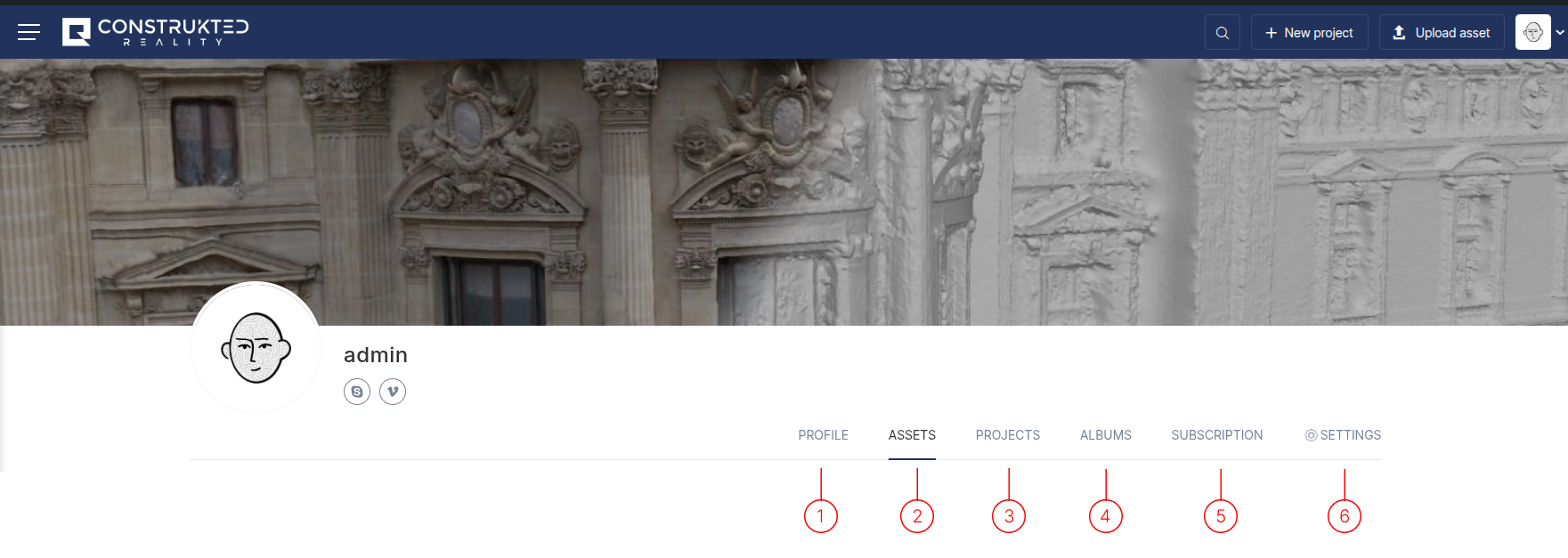
- User Profile - View and edit your profile information
- Asset List - Access all your uploaded assets
- Projects List - Manage your active projects
- Albums List - Organize content into collections (similar to playlists)
- Subscriptions - Manage your subscription details
- User Settings - Configure application preferences
- Sign Out - Log out of the platform