View Setting
This section covers Asset View Setting options:
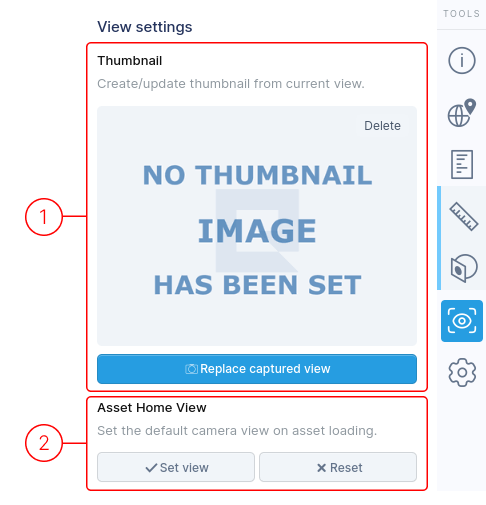
1. Thumbnail
Section titled “1. Thumbnail”The thumbnail image associated with your asset.
- Click Replace captured view to take a snapshot of the current 3D view.
2. Home View
Section titled “2. Home View”By default, the entire 3D model is displayed when loading the page. To customize the initial view:
- Adjust the model to desired position and angle
- Click Set View
From now on, this customized view will load by default whenever the page opens.